EVL Data Anonymization Microservice
Why Anonymize Data?
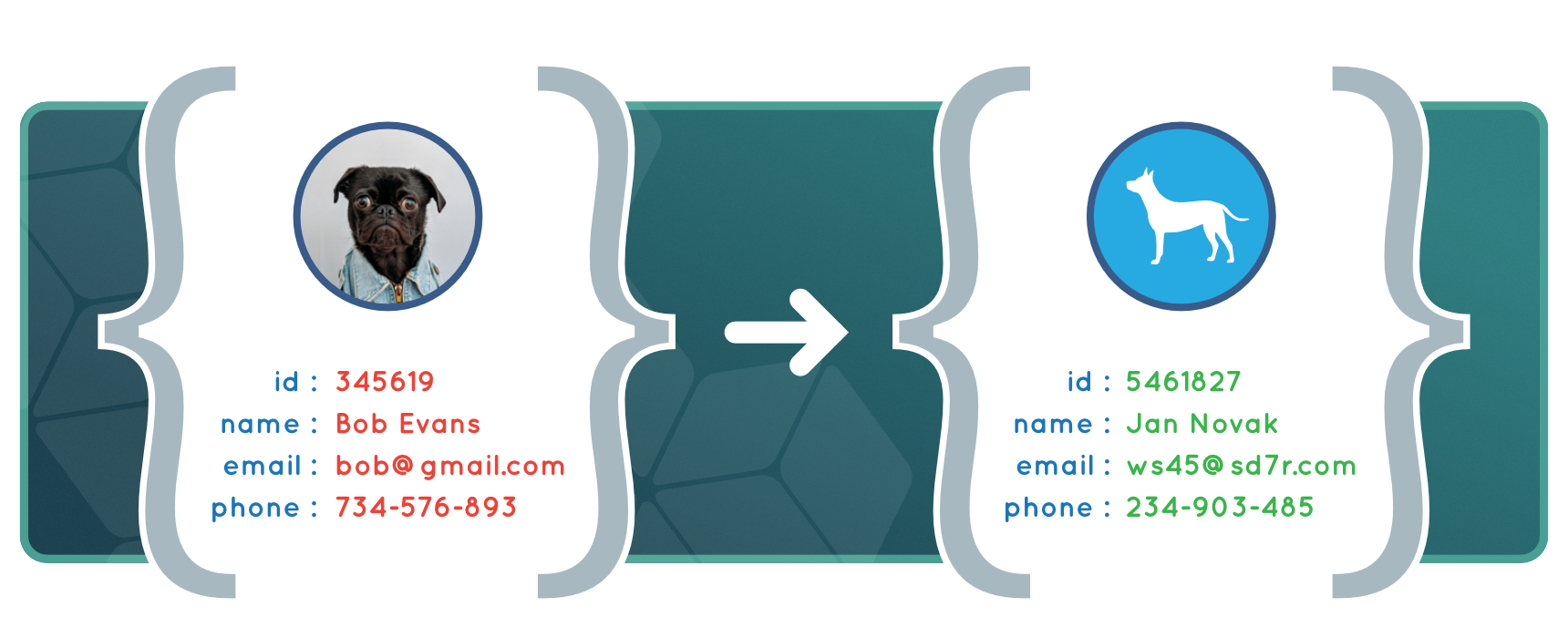
Creating Anonymized data sets based on production data offers several benefits, including: GDPR legal compliance regarding personal information; and the protection of commercially sensitive data from developers, testers, and other outside contractors.
EVL Data Anonymization Microservice enables fast, automated and cost-effective anonymization of data sets. It can be used for pseudonymization and anonymization of production data according to GDPR requirements, as well as for the protection of commercially sensitive data from developers, testers, and other outside contractors.
EVL Microservices are built on top of the core EVL software and retain its flexibility, robustness, high productivity, and ability to read data from various sources; including CSV files, databases–Oracle, Teradata, PostreSQL, etc–and Hadoop streaming data like Kafka.
EVL Data Anonymization
- High productivity due to metadata driven approach
- Custom functions can be easily designed and embedded into the solution
- EVL Data Anonymization is fast and can be parallelized
EVL Data Anonymization
60 day trial version.
Whitepaper
Function guide and examples.
Documentation
Full EVL Data Anonymization documentation.
Anonymization Types
| Anon type | Data type | Description | Example |
| ANON | any | Generic anonymization, with a min/max range | "A Sample Text" → "utTfu9h6saPow" 1982-09-28 → 2007-05-17 |
| ANON_VAR | date/time | Anonymize dates within a ± interval | 1982-09-28 → 1983-08-01 |
| ANON_UNIQ | integers | Anonymize integers, with all outputs being unique | 45582 → 6484 |
| ANON_NAME | string | Retain spaces, capitals and numbers | "A Sample Text" → "E Pottzs Nwxi" "10 Downing St." → "85 Pottzsq Na." |
| ANON_EMAIL | string | Anonymize emails | "team@evltool.com" → "ds0@sFux.3t" |
| ANON_IBAN | string | Create a valid IBAN string | "NL91 ABNA 0417 1643 00" → "FR14 2004 1010 0505 0001 3M02 606" |
| ANON_IBAN_KEEP_COUNTRY | string | Create an IBAN valid string, but retain original country code | "NL91 ABNA 0417 1643 00" → "NL02 BINK 0123 4567 89" |
| ANON_IBAN_KEEP_BANK | string | Create an IBAN valid string, but retain original country, and bank code | "NL91 ABNA 0417 1643 00" → "NL02 ABNA 0123 4567 89" |
| ANON_AMOUNT(0.1) | numbers | Anonymize a number with a ± 10% value | 20.58 → 21.03 |
| MASK_LEFT(4), MASK_RIGHT(4) | string | Mask values with * (from left/right) | "1234 5678 9012" → "**** **** 9012" |
| RANDOM | any | Create random value, within a specified min/max range | "A Sample Text" → "uisC7dsSacs" 1982-09-28 → 2001-12-14 |
| RANDOM_VAR | date/time | Random date/time with a ± interval | 1982-09-28 → 1983-08-01 |
| ANON_LOOKUP | string | Creates lookup first and so shuffle the dataset | "Richard" → "Donald" |
| ANON_LOOKUP("names.csv") | string | Use custom lookup so shuffle values from this file | "Richard" → "Donald" |
- All ANON types, for a given value and a given salt, produce the same output; and it's possible that two different values will result in the same output when anonymized.
- ANON_UNIQ type always outputs unique values, so bijection is guaranteed. Useful for IDs.
- RANDOM types will return a different output for a value each time they are run.
For detailed information see documentation.
Configuration File – Example
EVL Data Anonymization jobs and Workflows can be genrated from a CSV configuration file; making it easy to manage multiple sources. The following table, 'crm.csv', shows an example of a configuration file, which would anonymize 2 sources: an Oracle table 'accounts', and a file, 'cust.csv'.
| Src | Entity | Field | Data type | Null | Anon type | EVL Function | Description |
| ORA | accounts | id | int | No | ANON_UNIQ | Unique ID | |
| ORA | accounts | cust_id | int | No | ANON_LOOKUP | Shuffled customer | |
| ORA | accounts | iban | string | ANON_IBAN | Keep IBAN valid | ||
| ORA | accounts | currency | string | Leave as is | |||
| ORA | accounts | score | decimal(8,2) | ANON_AMOUNT(0.1) | +/-10% | ||
| ORA | accounts | valid_from | date | ANON_VAR | Anonymize by variance | ||
| ORA | accounts | valid_to | date | anonymize(IN, *out->valid_from+1, *out->valid_to+3650) | Must be greater than valid_from | ||
| FILE | cust.csv | id | int | No | ANON_UNIQ | Unique ID | |
| FILE | cust.csv | string | ANON_EMAIL | ||||
| FILE | cust.csv | person_id | string | No | anon_rc(IN) | Sum = 0 mod 11 |
Credentials, connection strings, paths, etc., are set in a separate configuration file and can be used by multiple configuration files.
Anon type – This field contains either the name of a standard EVL function, or a custom function.
EVL Function – For specific needs, like dependency on other fields (for example, anonymized 'valid_to' value must be always greater than 'valid_from' value), any EVL code can be used. In very specific cases, like Czech and Slovak Personal ID number, which needs to fulfill divisibility by 11, a custom C++ function can be used as well.
Building EVL Jobs From a Config File
EVL Data Anonymization jobs and workflows are built by using the EVL Manager application or by running these commands in a terminal window:
$ evl anon build configs/crm.csv $ evl run workflow anon/crm.ewf
this will generate two EVL jobs, one for Oracle table 'accounts', and one for file 'cust.csv'. An EVL workflow will also be generated that when run, will execute these two jobs and anonymize both sets of data.
Case Study
One bank needed to provide production data for the development team so the data couldn’t be re-identified by keeping the entity relationships. The source were 100+ tables stored in CSV files, SQL Server, Informix and Oracle. The target for the anonymized development data was Oracle database. Customer filled-in one configuration file containing all data definitions and anonymization types and parameters leading to the source files (directories for CSV files and connect strings to databases). The EVL Data Anonymization jobs were created automatically and run in parallel batches with great performance: e.g. the anonymization of one file containing 10 million rows took 50 seconds.